Still There

Still There

Still There

Still There

Still There

Overview

About

What is Still There?

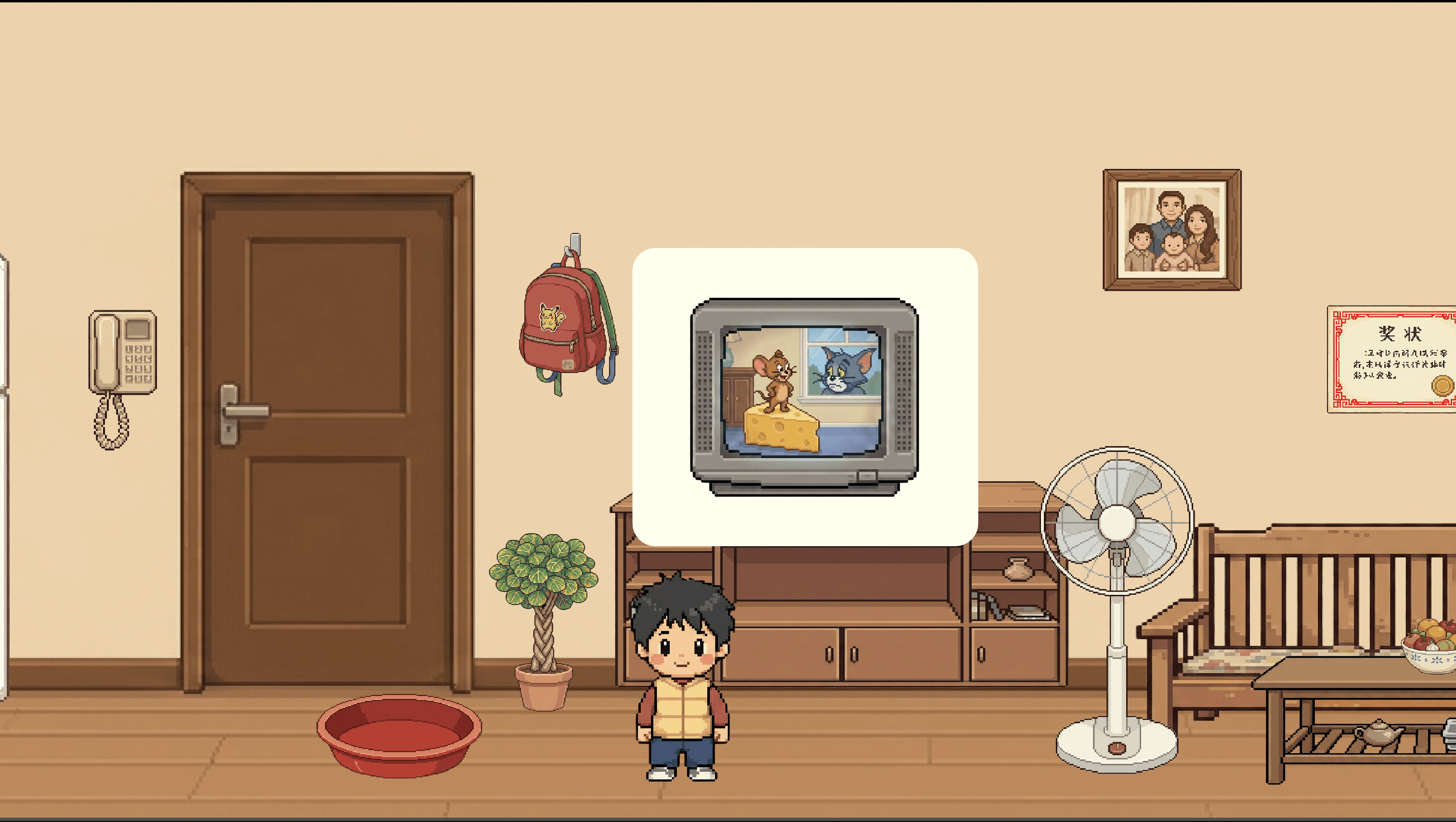
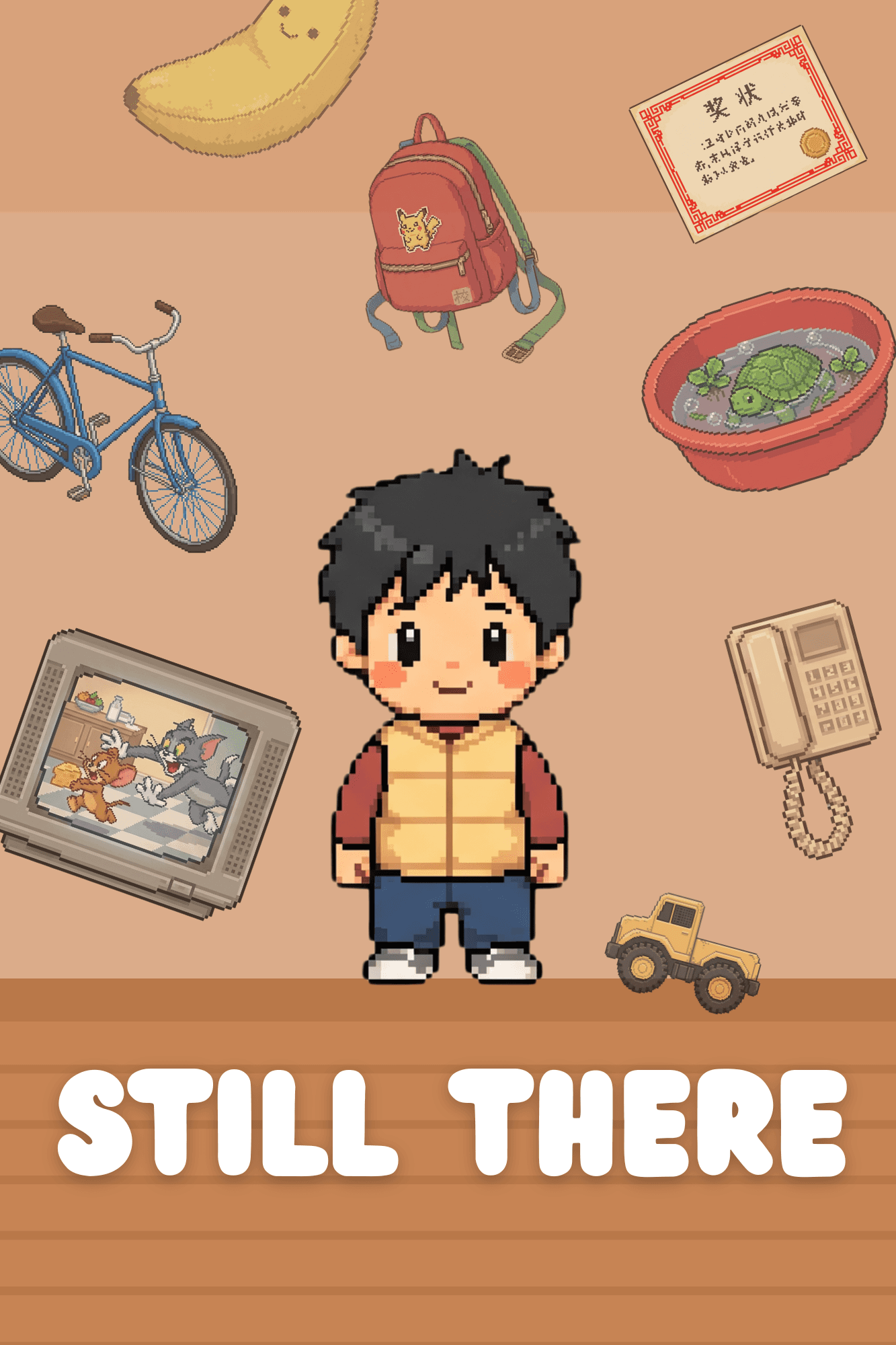
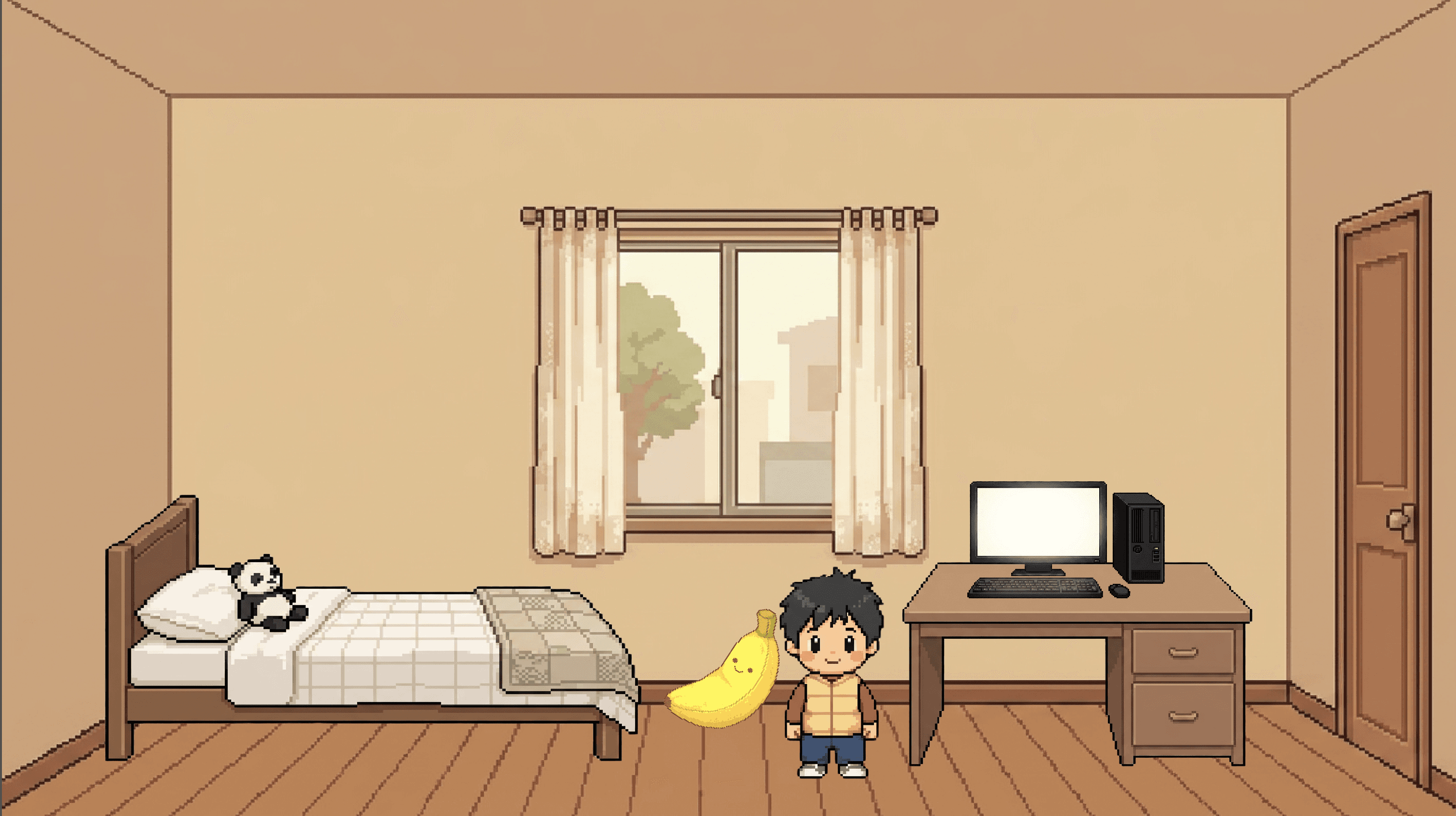
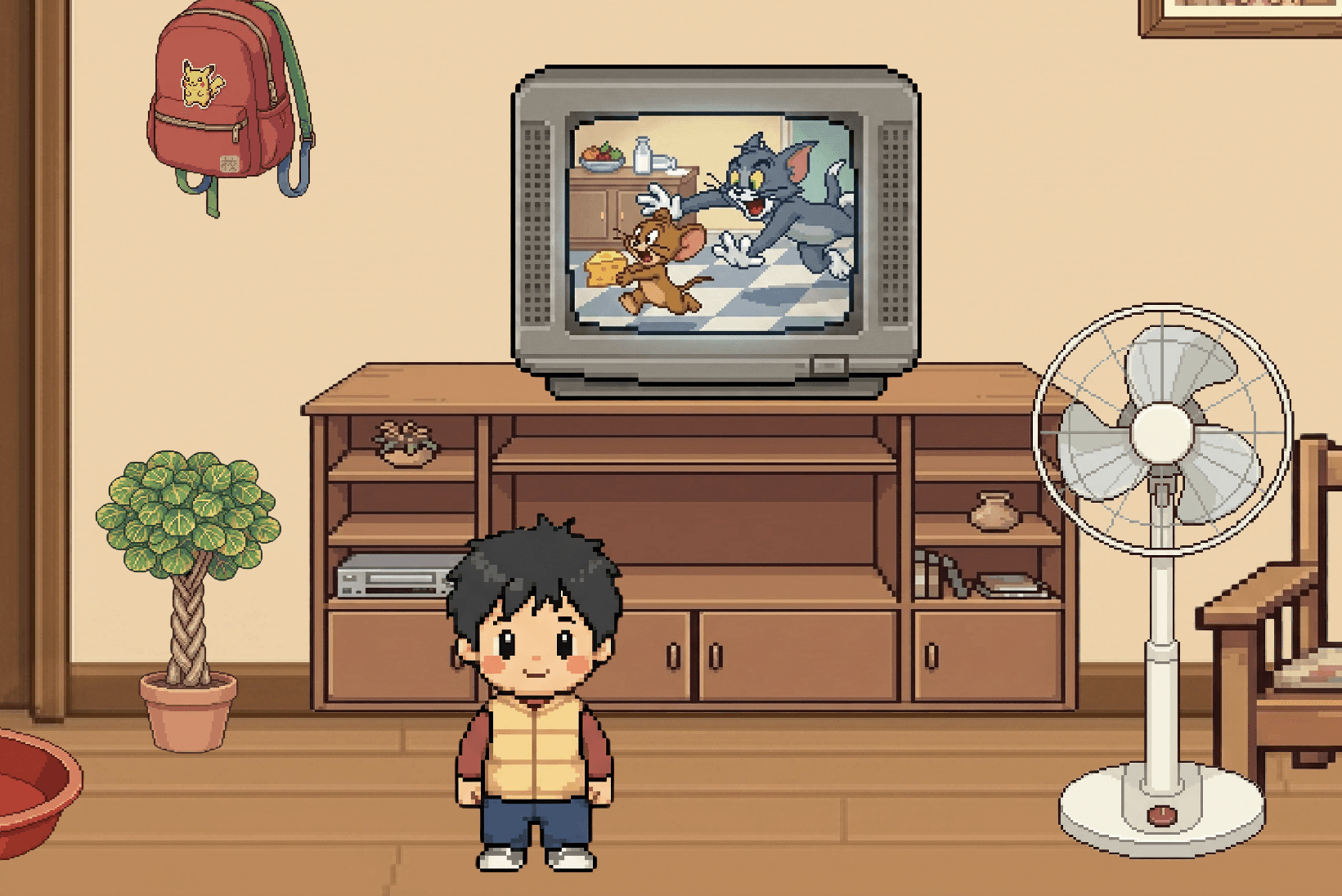
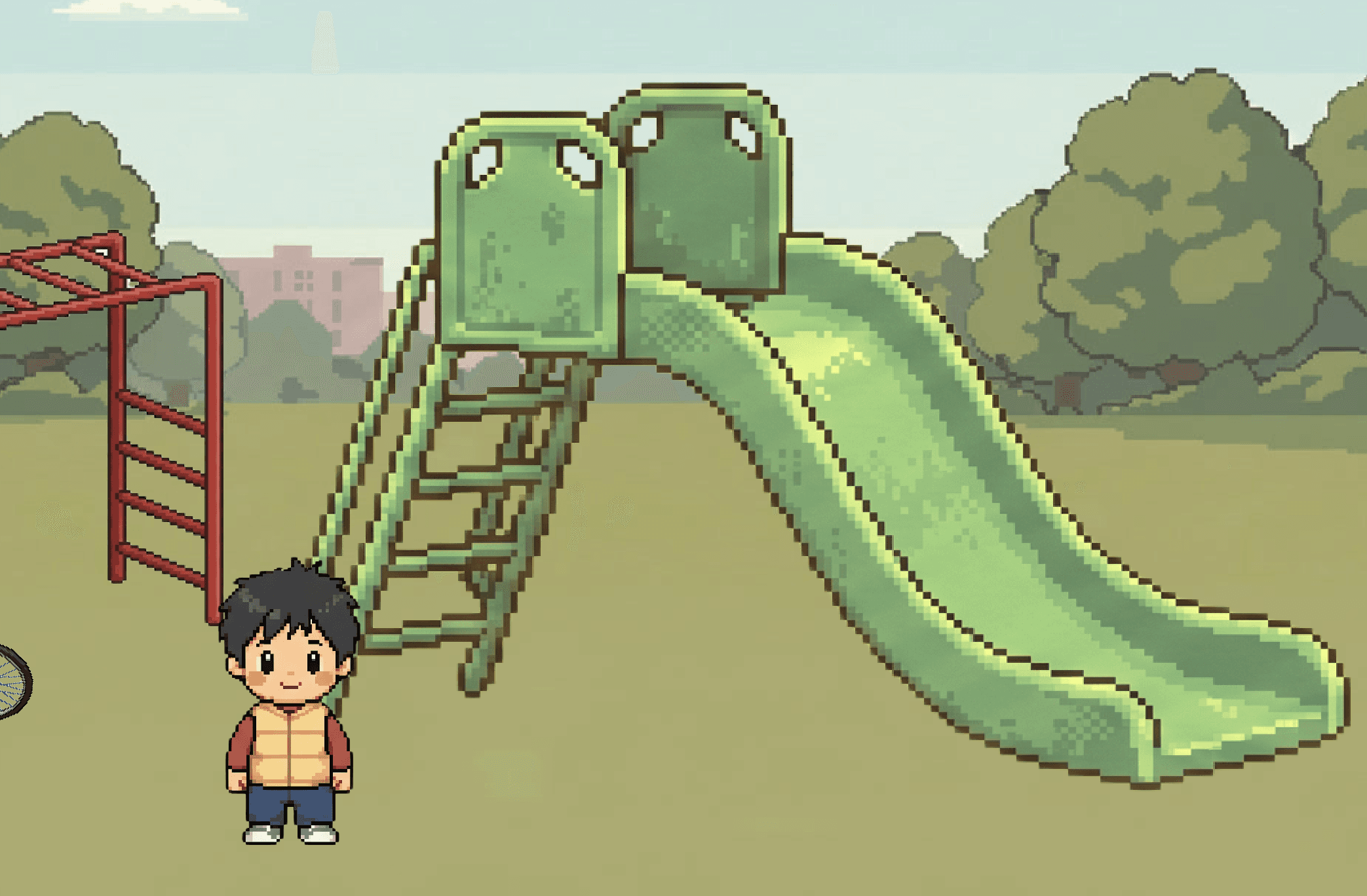
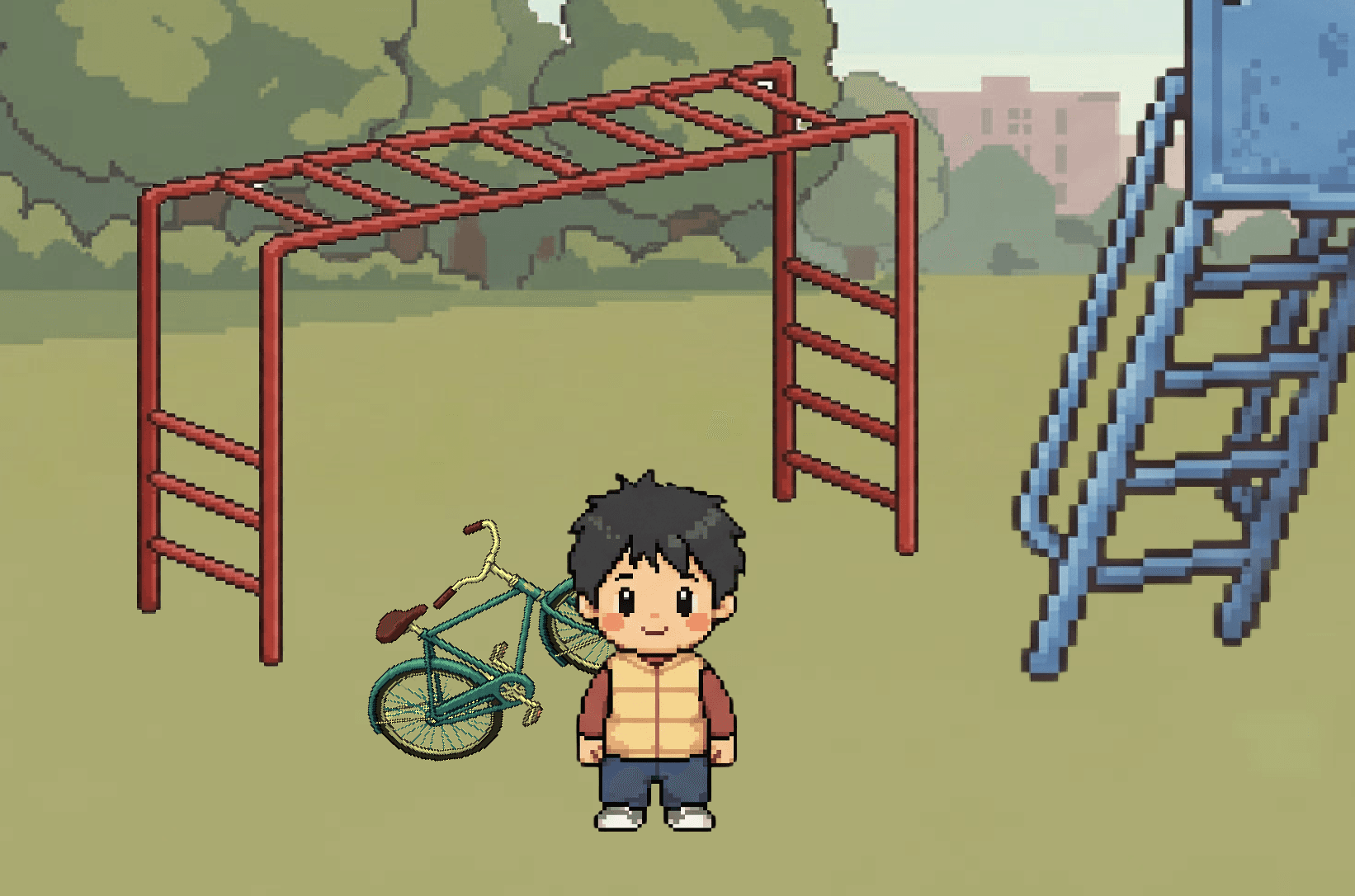
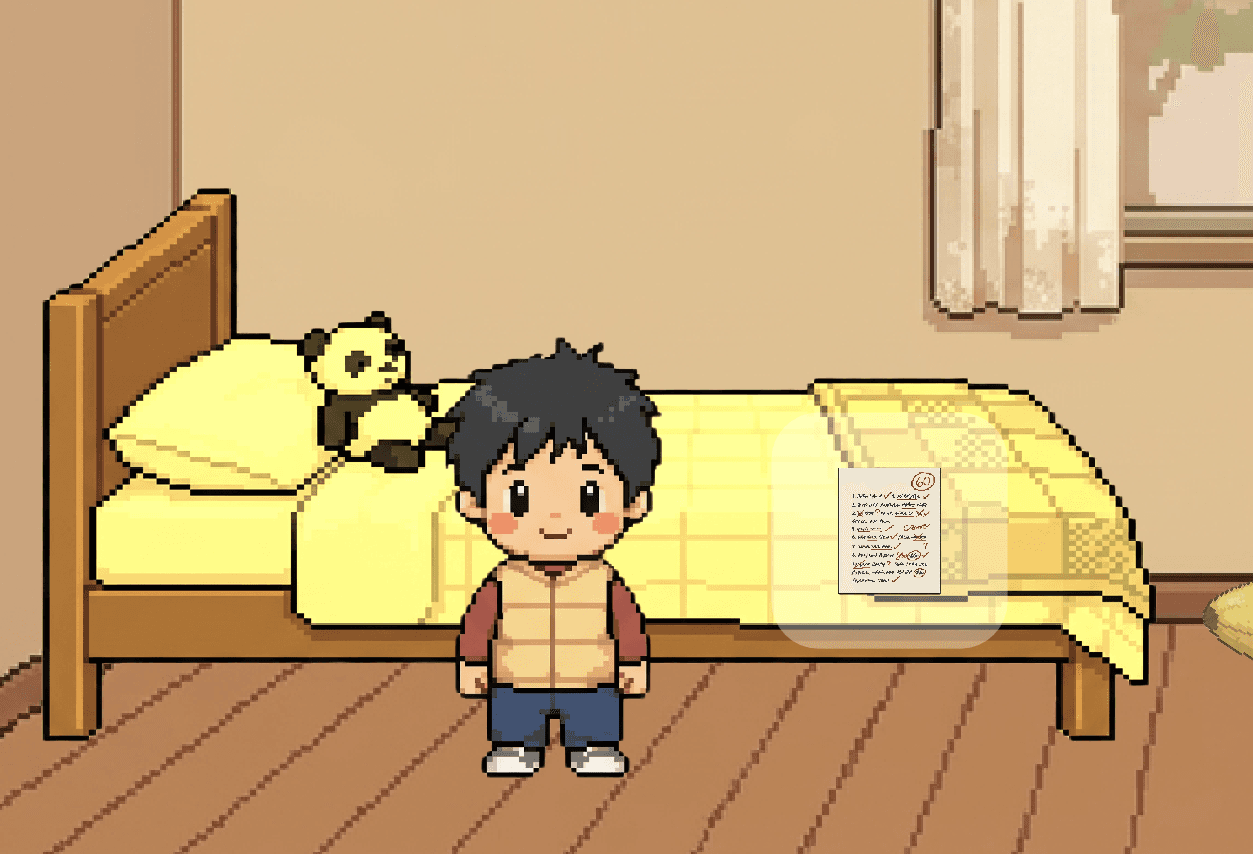
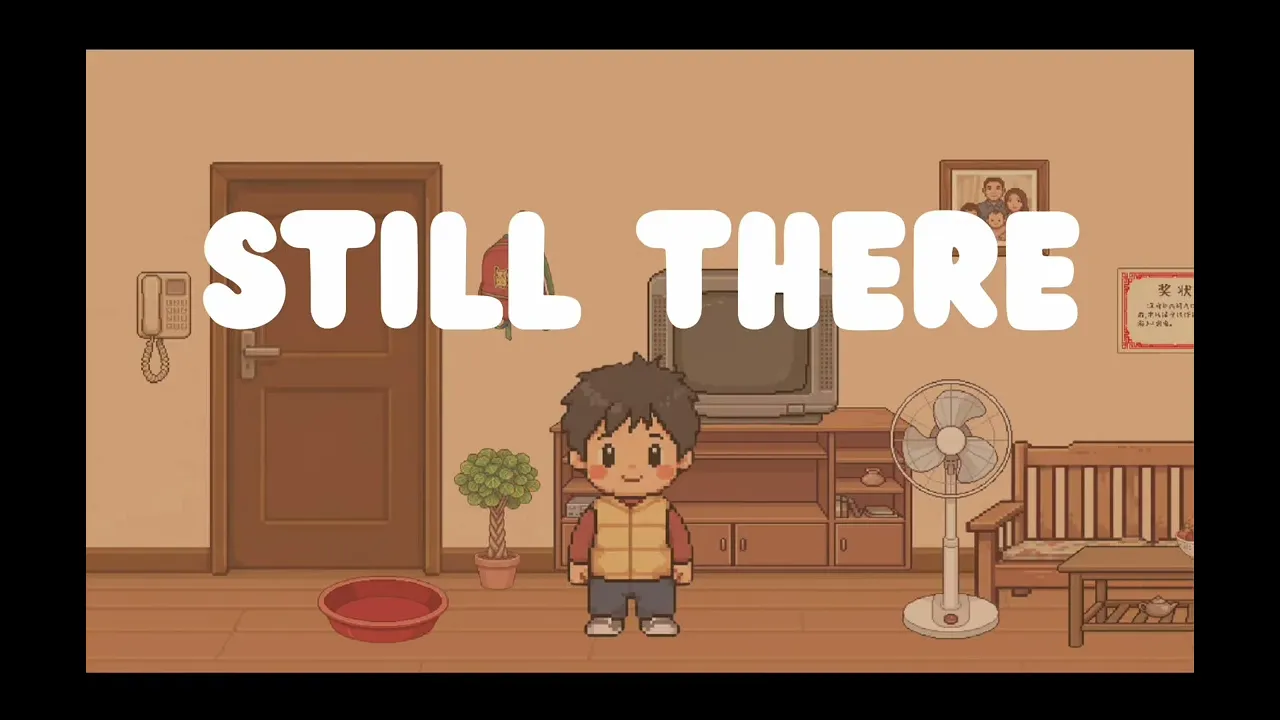
Still There is a 2D interactive game about childhood memory and the objects we leave behind. Players walk through the rooms of childhood memories, reaching toward objects that hold fragments of the past. Each interaction surfaces a memory through text, image, or sound. The game invites you to physically reach toward what remains, extending toward something that can no longer be fully held.

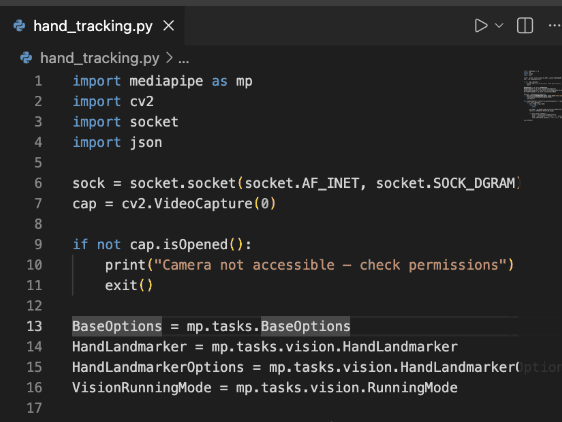
Built in Godot 4 with real-time hand tracking via MediaPipe.  

Influence & Why I created Still There?

Insipration

Nearing graduation, I find myself pushed into a new stage of life. The further I move forward, the more I notice how much of childhood still lives in me, in the way I think, the things I notice, the feelings I carry without always knowing where they came from.

Childhood was slipping away, yet somehow it persisted. That tension is what Still There is built around.

Films like After Yang and Soul shaped how I think about memory and objects. Meaning lives not in grand events but in the smallest things, a falling leaf, a note on the fridge, and etc.  Fragments, precisely because they are incomplete, still carry the full weight of a life. Each object in this game is not an explanation of a memory but a feeling or moment it give. 

Nearing graduation, I find myself pushed into a new stage of life. Nearing graduation, I find myself pushed into a new stage of life. The further I move forward, the more I notice how much of childhood still lives in me, in the way I think, the things I notice, the feelings I carry without always knowing where they came from.

Childhood was slipping away, yet somehow it persisted. That tension is what Still There is built around.

Progress

Week 1 -3: Character & Godot Core Set Up for Room 1
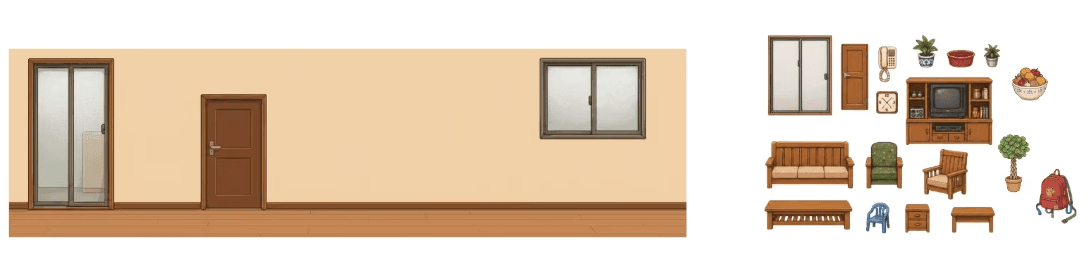
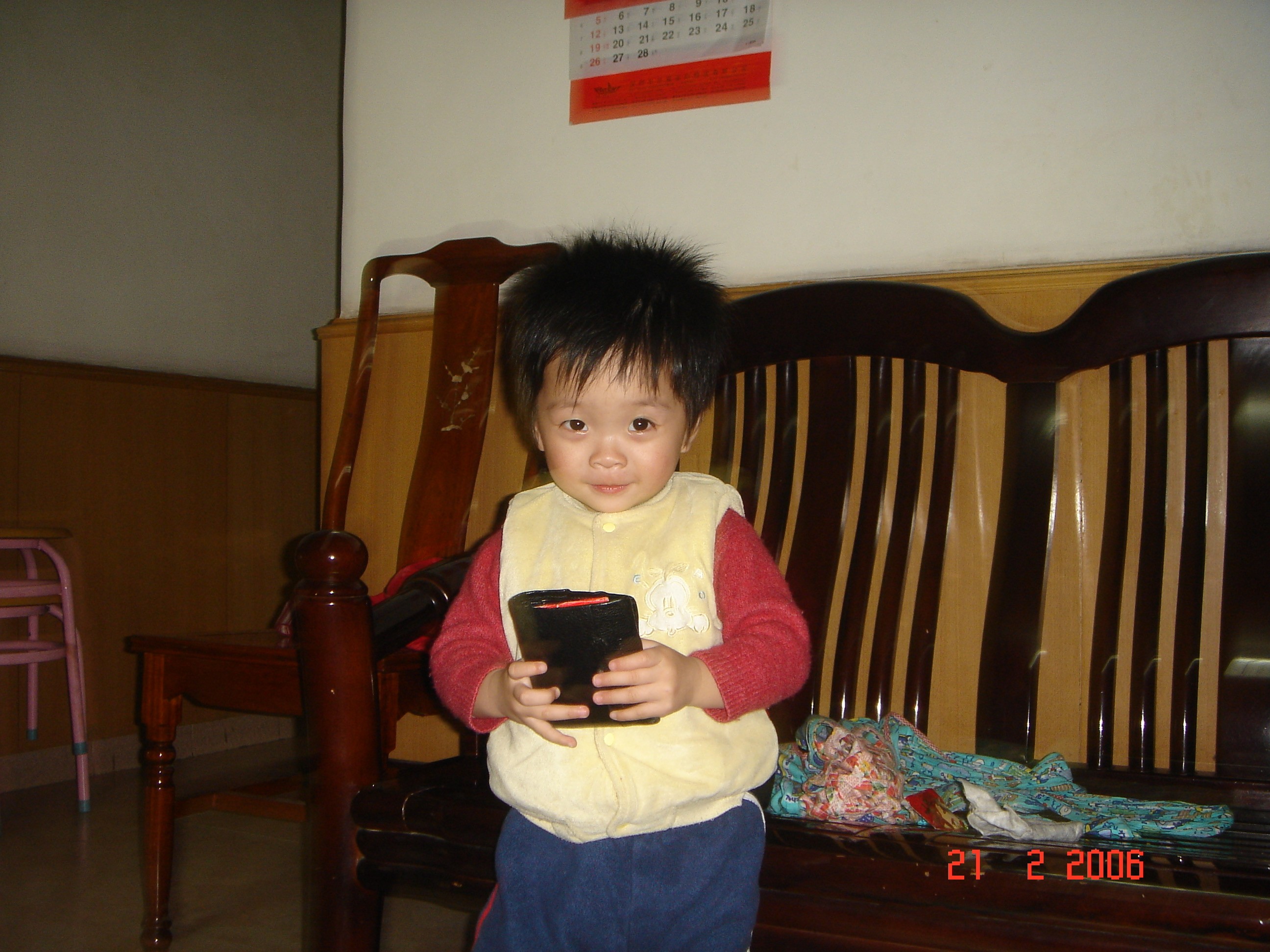
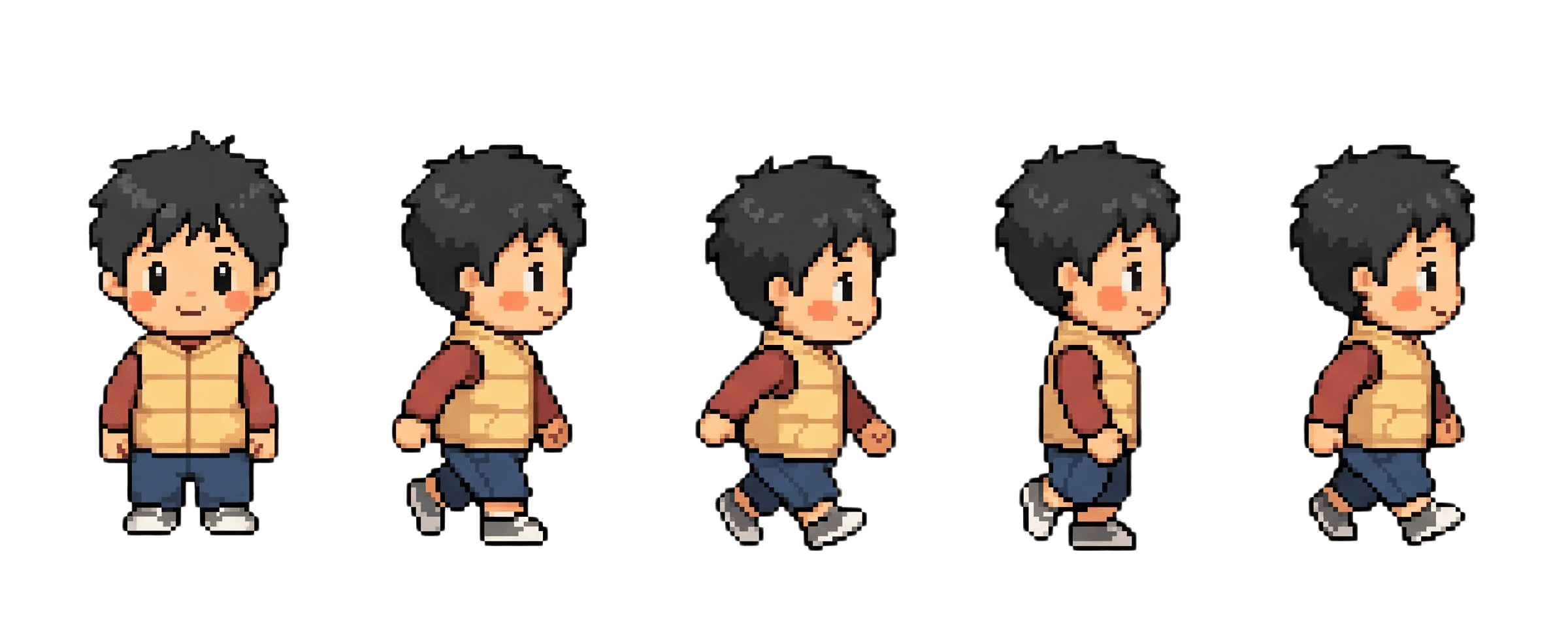
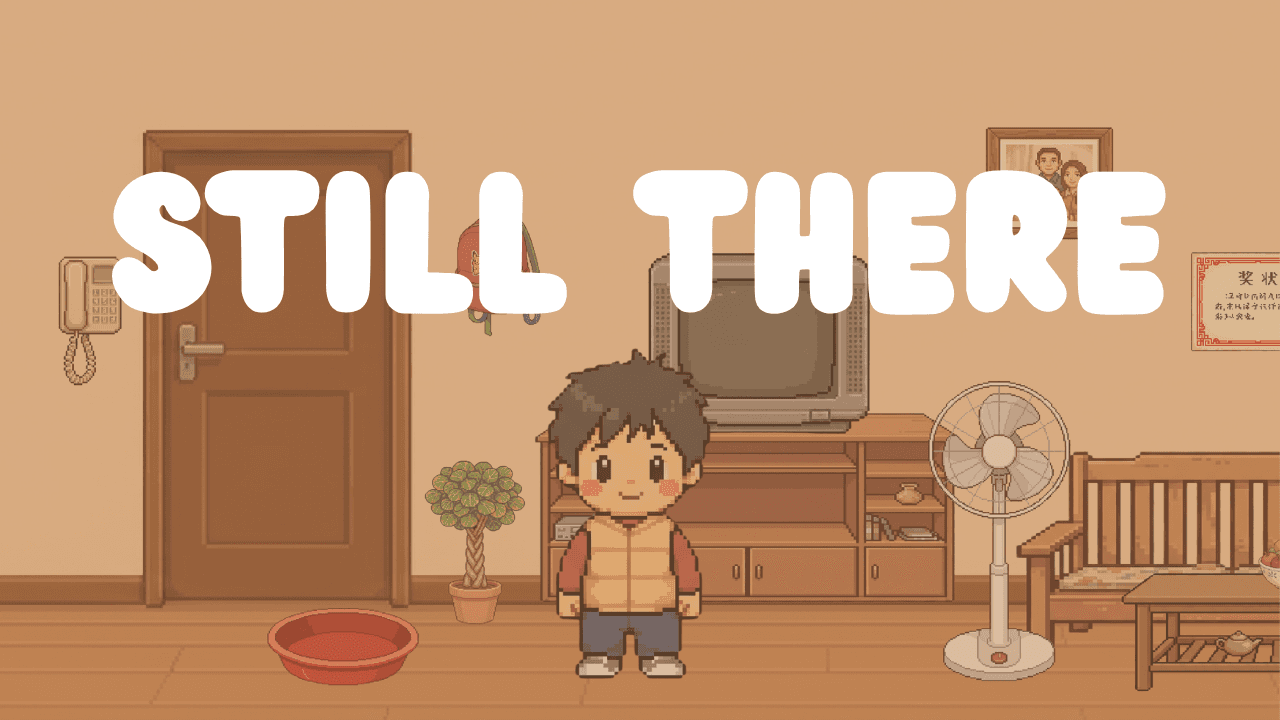
From week 1 to 3, I designed the main character based on my own childhood image. Alongside the character, I set up the initial scene structure in Godot 4, establishing the foundation for the first room.


Week 4-5: Interactable Testing & Hand Tracking Coding
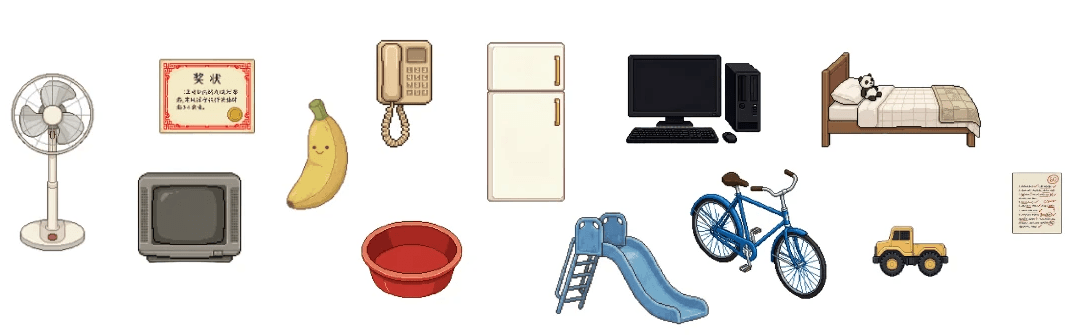
I began building the interaction system, figuring out how objects in the room could lead to interaction like pop up of image. This was also when I gathered and prepared more assets, and planned out what each interactive object would show or say. I started attempting to integrate hand tracking, researching through YouTube tutorials and using AI for debugging. At this point it was still not working, and the player is mainly moving based on keyboard, but the groundwork was set.


Week 6-7: Room 1 Adjustment, Interactable & Hand Tracking Integration
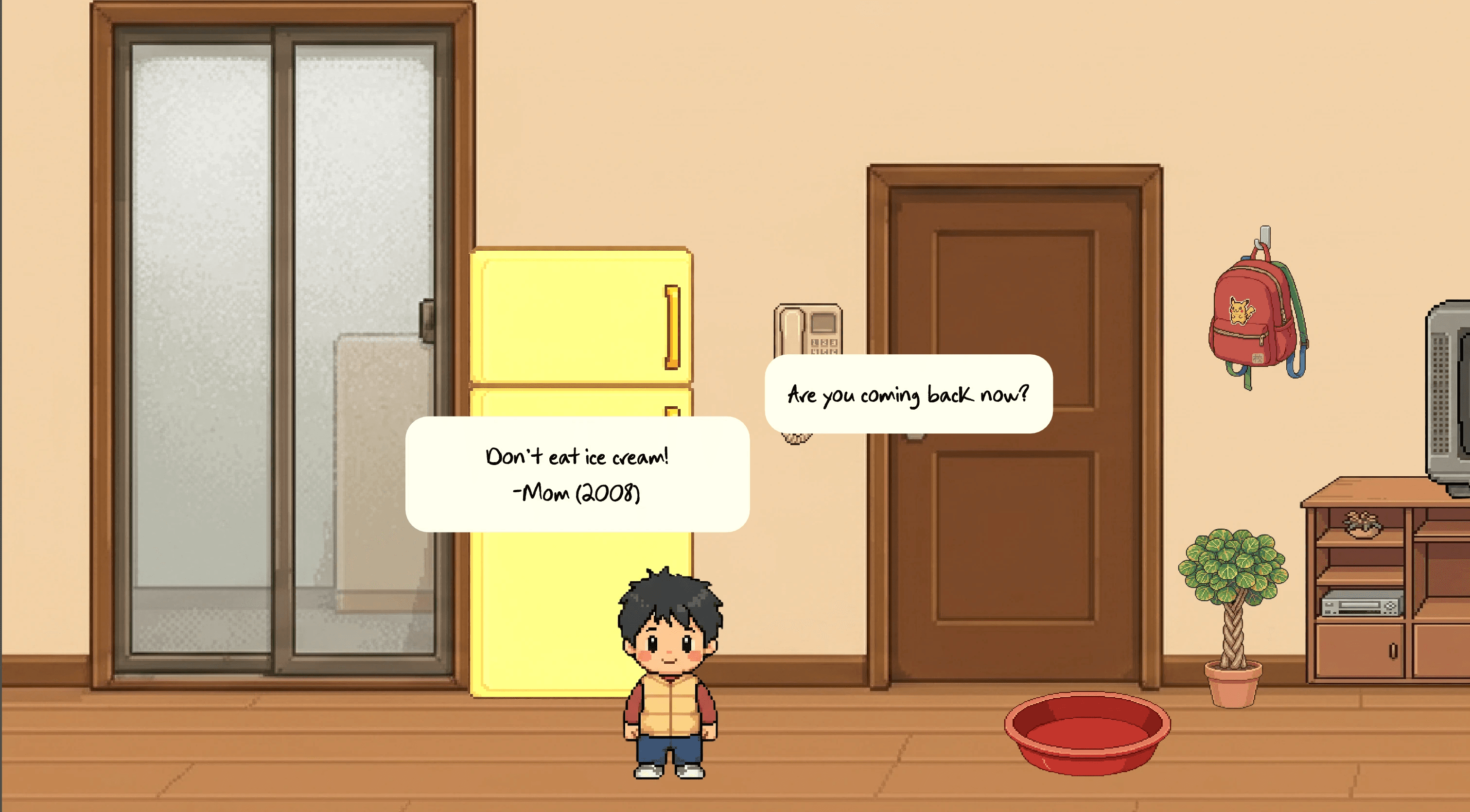
After testing, I had to rebuild the living room scene from scratch. The original structure had too many overlapping collisions and objects that caused issues. I built out the interaction system further. Objects now highlight when the player is nearby, giving a visual cue that something is there to discover. Each interactive object triggers a different type of popup depending on what memory it holds; some show text, some show images, and some play sound. I also finished placing all interactive objects across the living room scene.
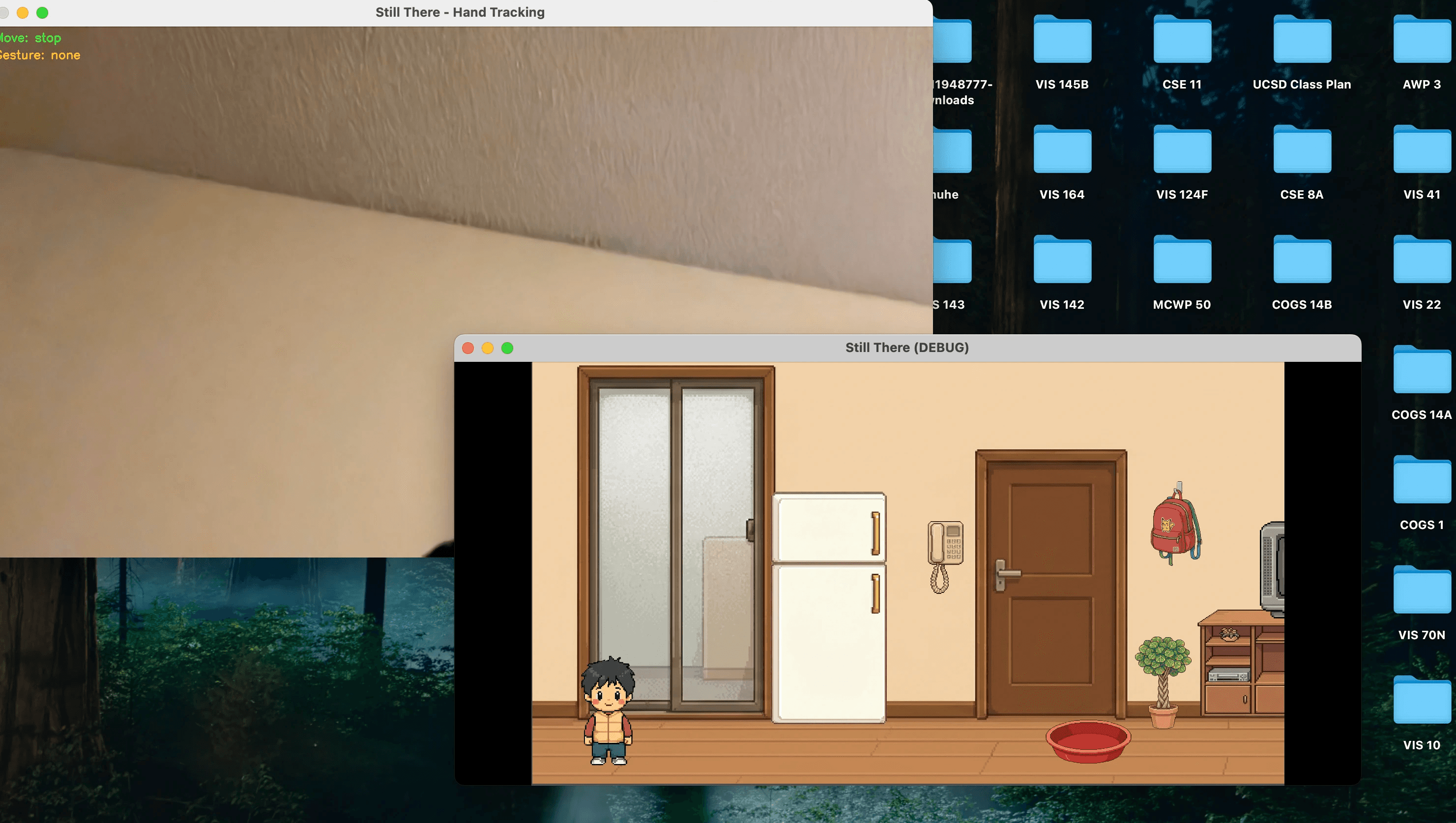
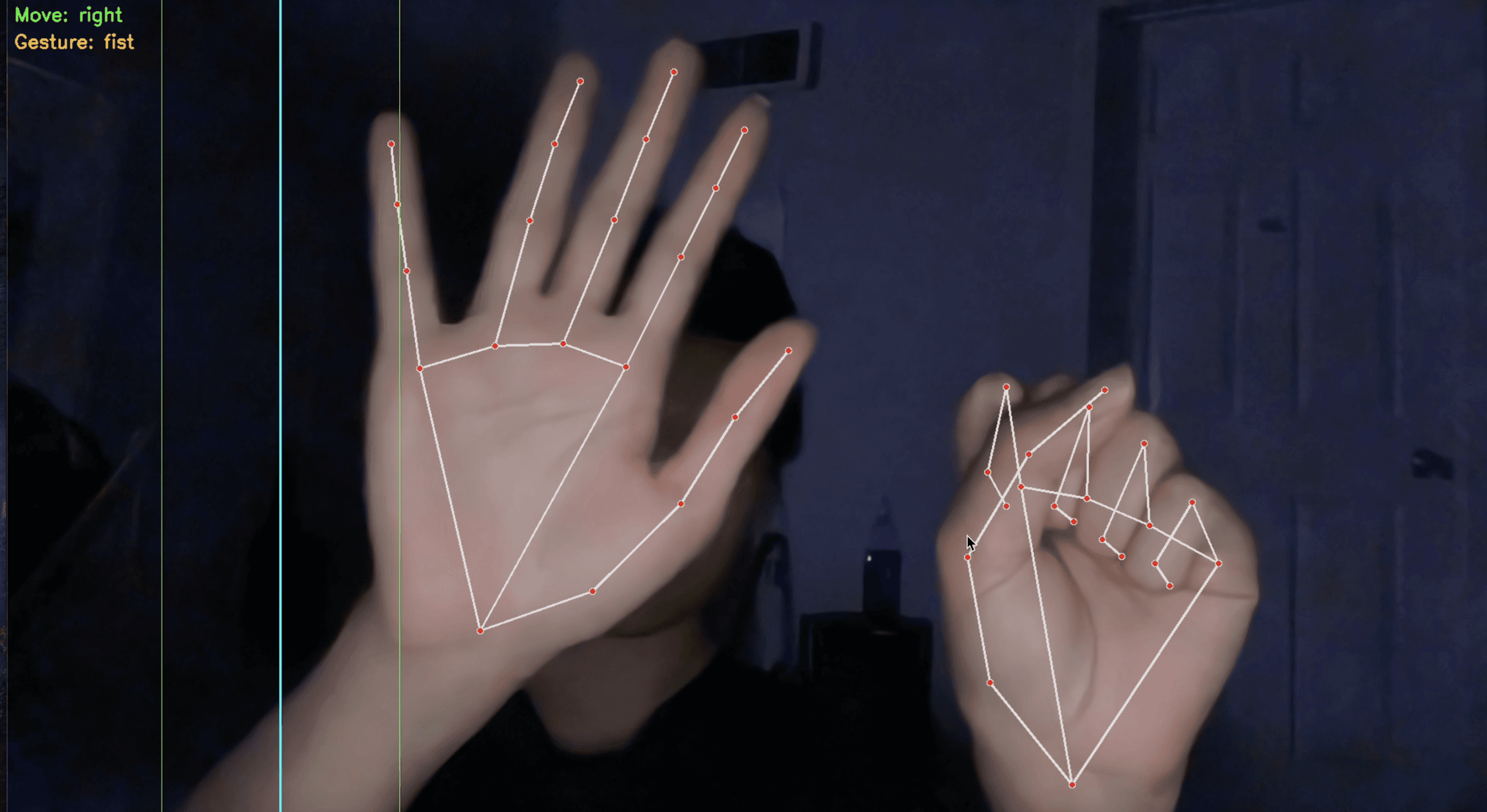
Hand tracking integration was working at this stage, and the player could move and interact using hand gestures. However, the hand tracking camera and the game window remained two separate screens at this point.


Week 8-9.5: More Scenes & Interactables
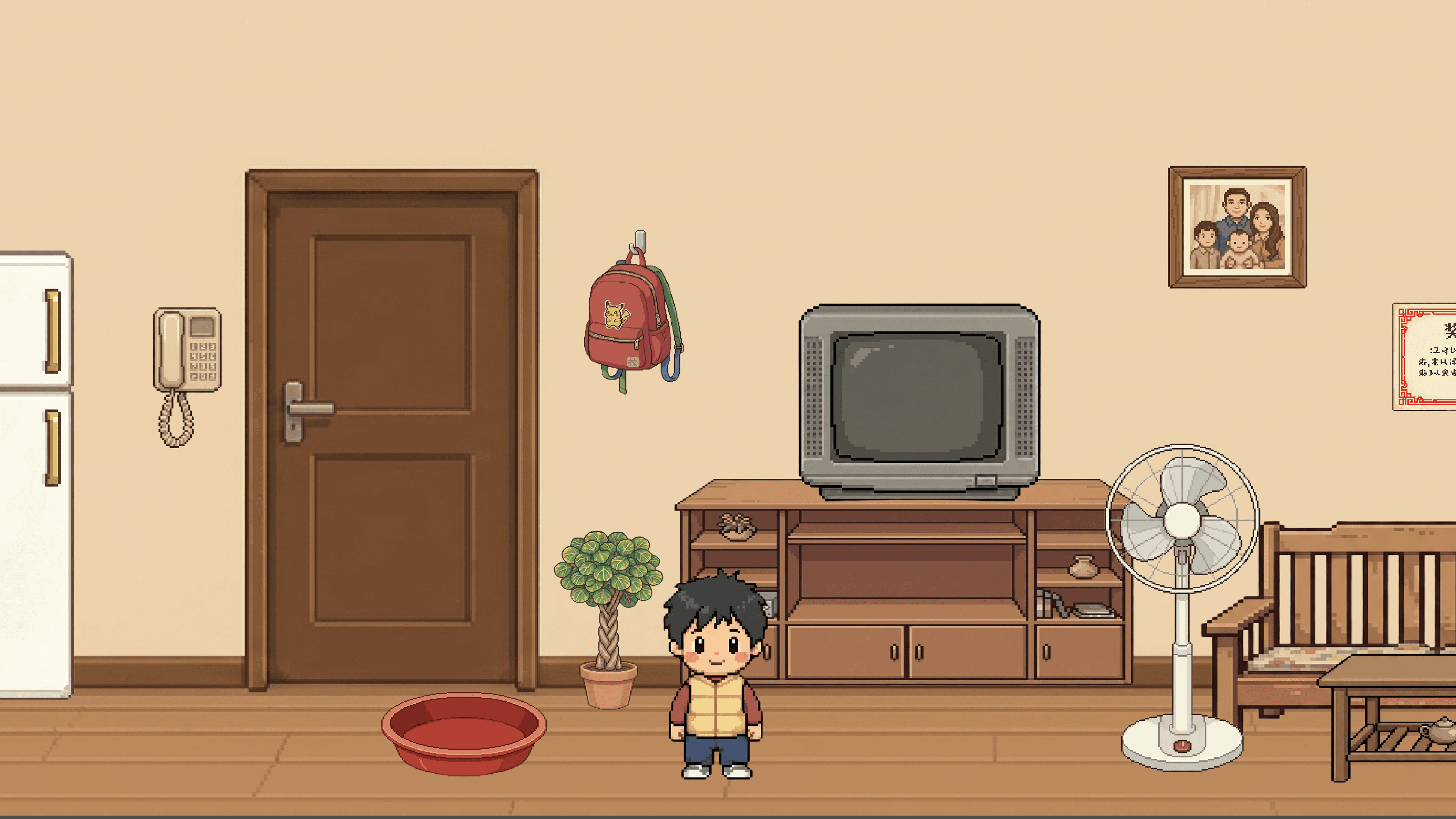
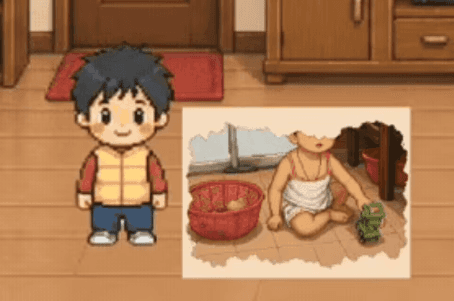
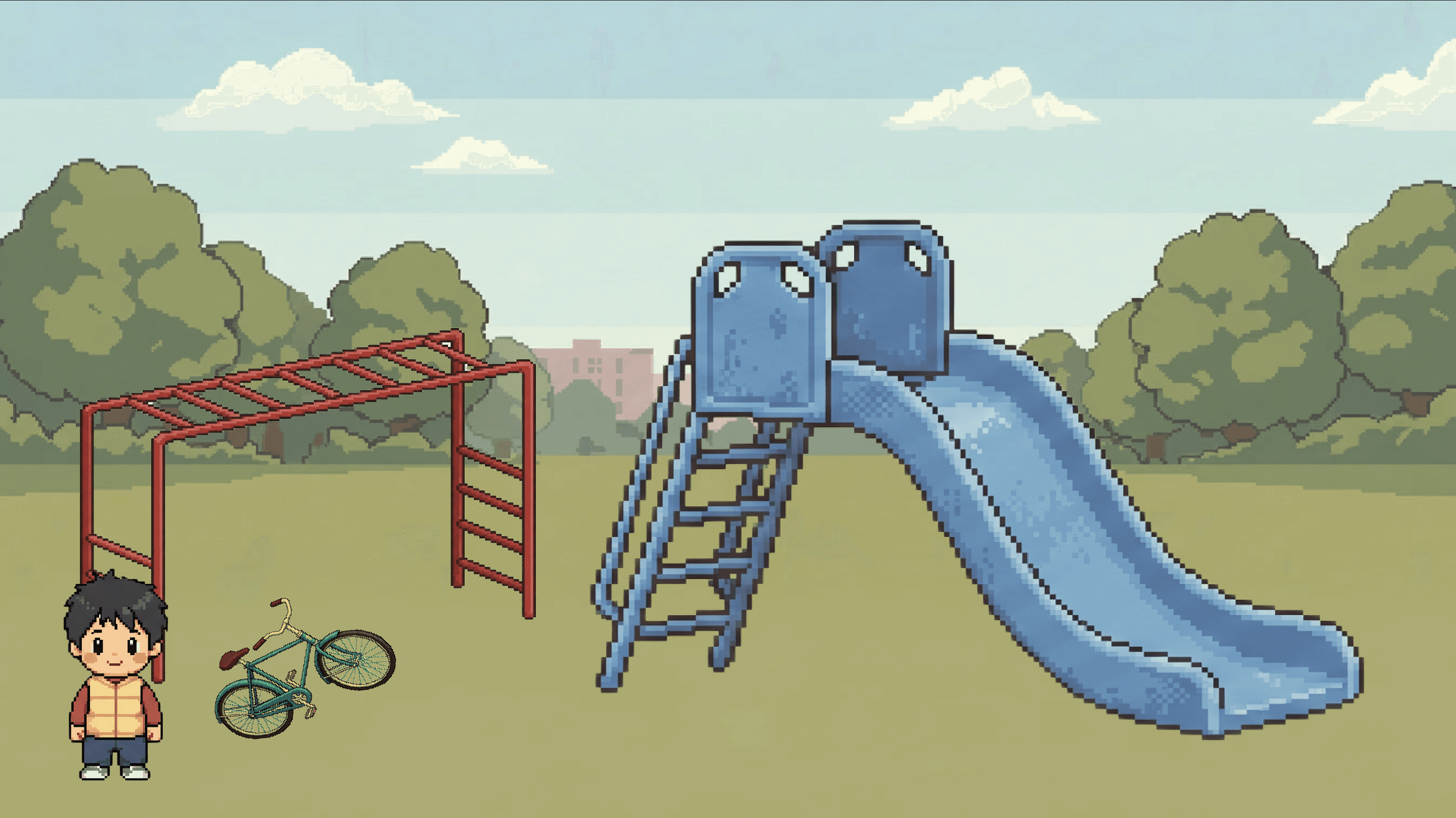
I built the bedroom and park scenes, each with their own set of interactive objects and memories. I also made adjustments to existing interactions in the living room, most notably the TV, which I reworked from a simple text popup into an image slideshow that plays like a cartoon is on screen.


Week 10: Scene Transition & Final Adjustment
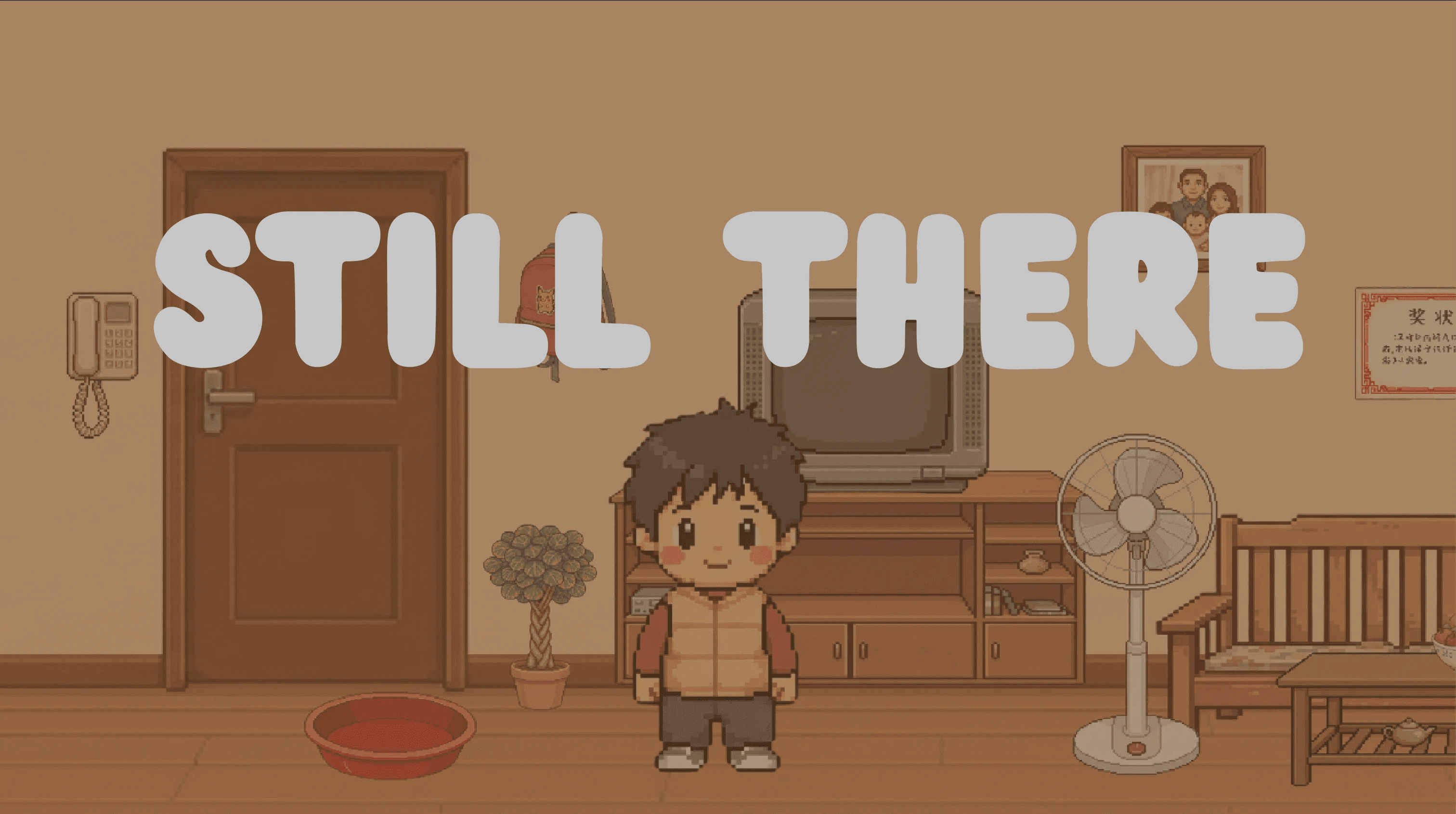
In the final weeks I tied everything together. I added scene transitions between all rooms, a fade to black that carries the player from the living room to the bedroom to the park. I incorporated the hand tracking camera feed directly inside the game window, so the player can see their hands and the gesture status without a separate screen. Background music was also added to each room. Finally I built a simple opening scene.

In the final weeks I tied everything together. I added scene transitions between all rooms, a fade to black that carries the player from the living room to the bedroom to the park. I incorporated the hand tracking camera feed directly inside the game window, so the player can see their hands and the gesture status without a separate screen. Background music was also added to each room. Finally I built a simple opening scene


The Game & How it work?

How?

How to Play?
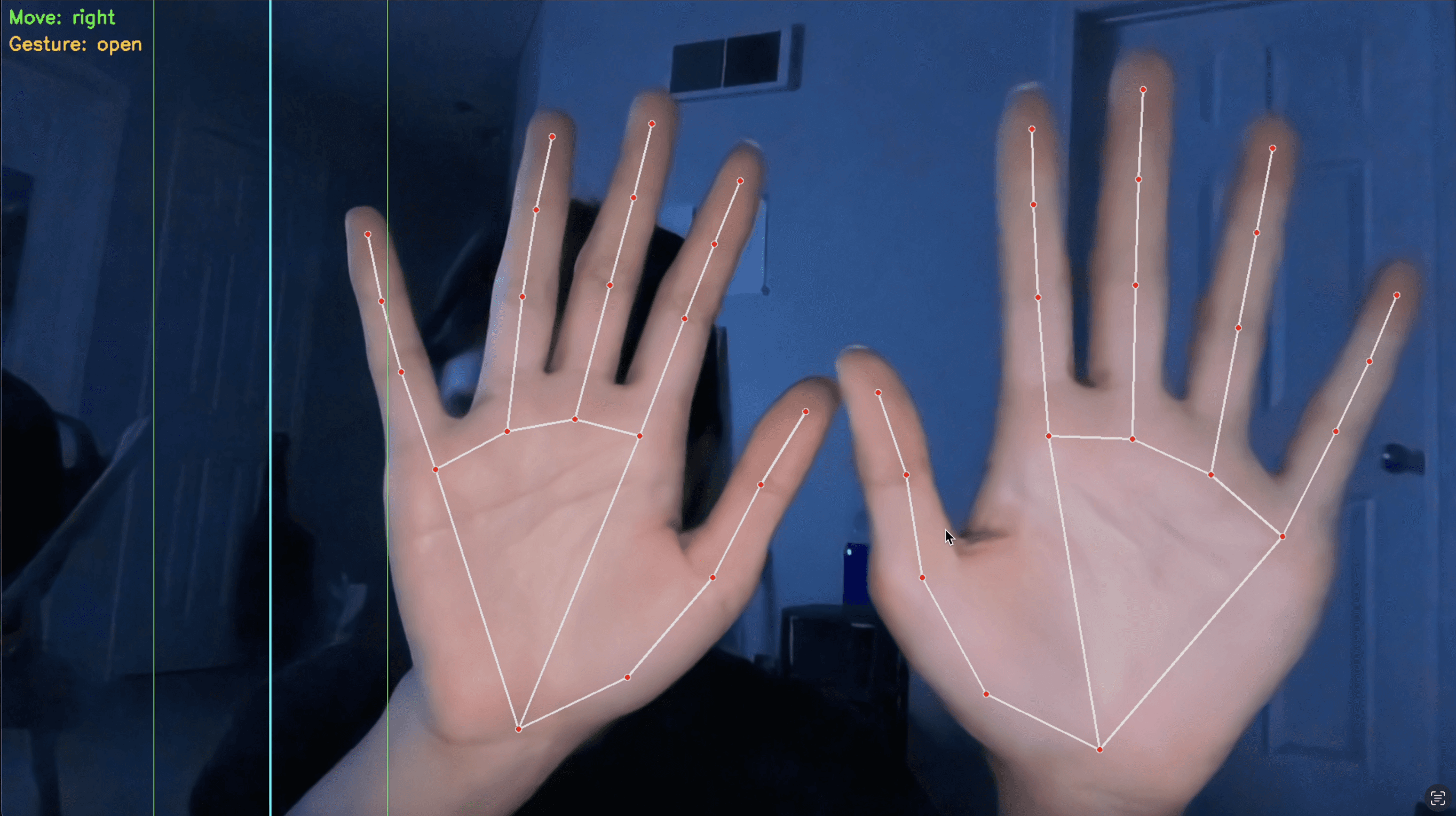
Players are able to walk through the scenes using hand gestures or keyboard controls.

  • Hand Tracking:

    • Use your left hand to walk through each space: tilt right to move right, tilt left to move left. Open your right palm to highlight objects nearby. Close your fist to interact.

  • Keyboard:

    • A — move left, D — move right, E — interact

Players are able to walk through the scenes using hand gestures or keyboard controls.

  • Hand Tracking:

    • Use your left hand to walk through each space: tilt right to move right, tilt left to move left. Open your right palm to highlight objects nearby. Close your fist to interact.

  • Keyboard:

    • A — move left, D — move right, E — interact

Game Demo

Godot 4 for Game Engine, MediaPipe & Python (WebSocket) for Hand Tracking,

Pixel Art Assets from Pixilart & Adobe Firefly, Sound Effect from Pixabay


Future Steps
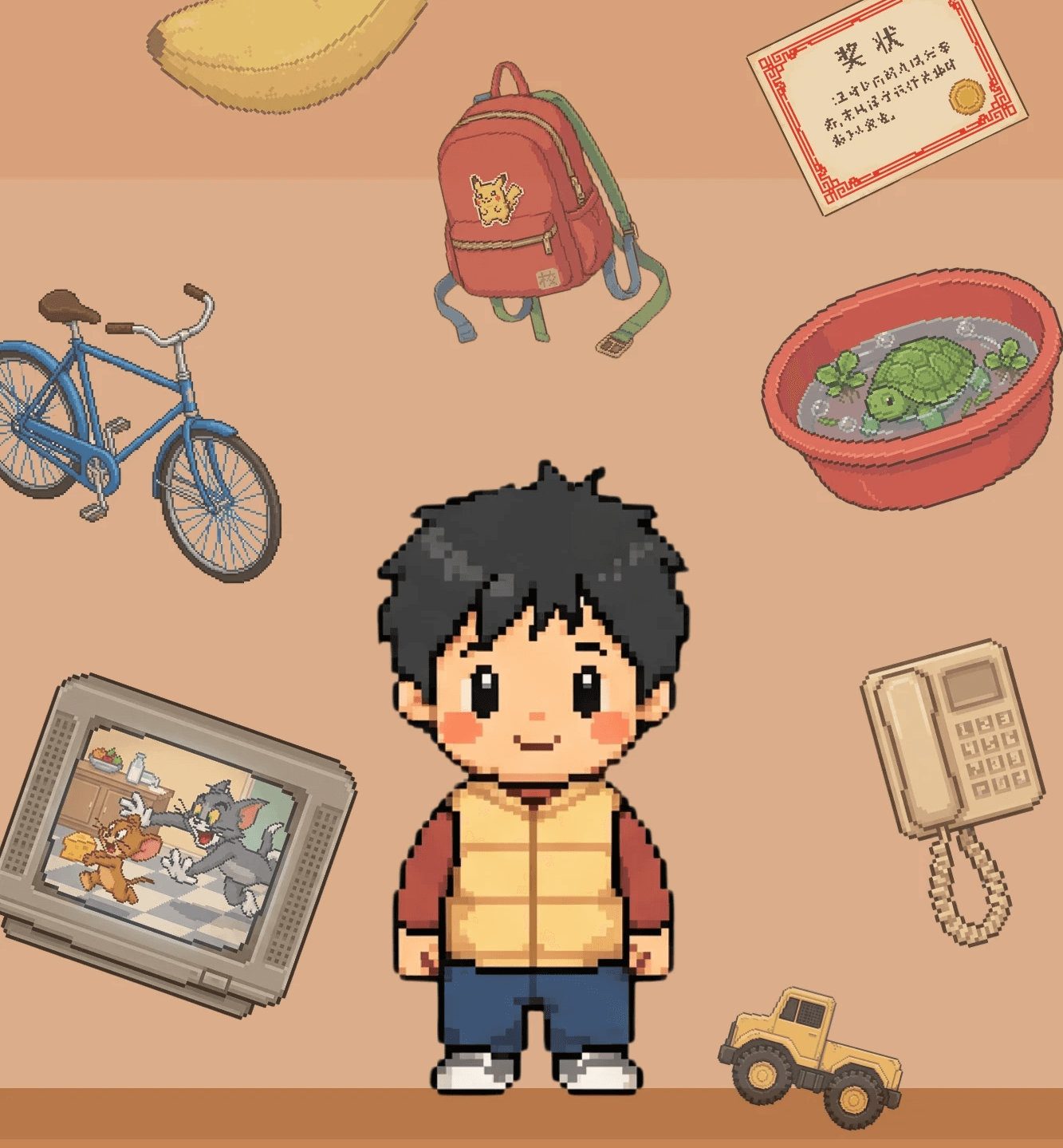
Still There will be continue developing beyond this course with more scenes and interactivity.

Still There - 2026

VIS 160 Senior Project 
Wendy Liao

Still There - 2026

VIS 160 Senior Project 
Wendy Liao

Still There - 2026

VIS 160 Senior Project 
Wendy Liao

Create a free website with Framer, the website builder loved by startups, designers and agencies.